

Your first workflow
Type a prompt like this into the AlinX agent:Find fintech companies with 50-200 employees, get the VPs of Engineering, and pull their emails.AlinX takes it from there.
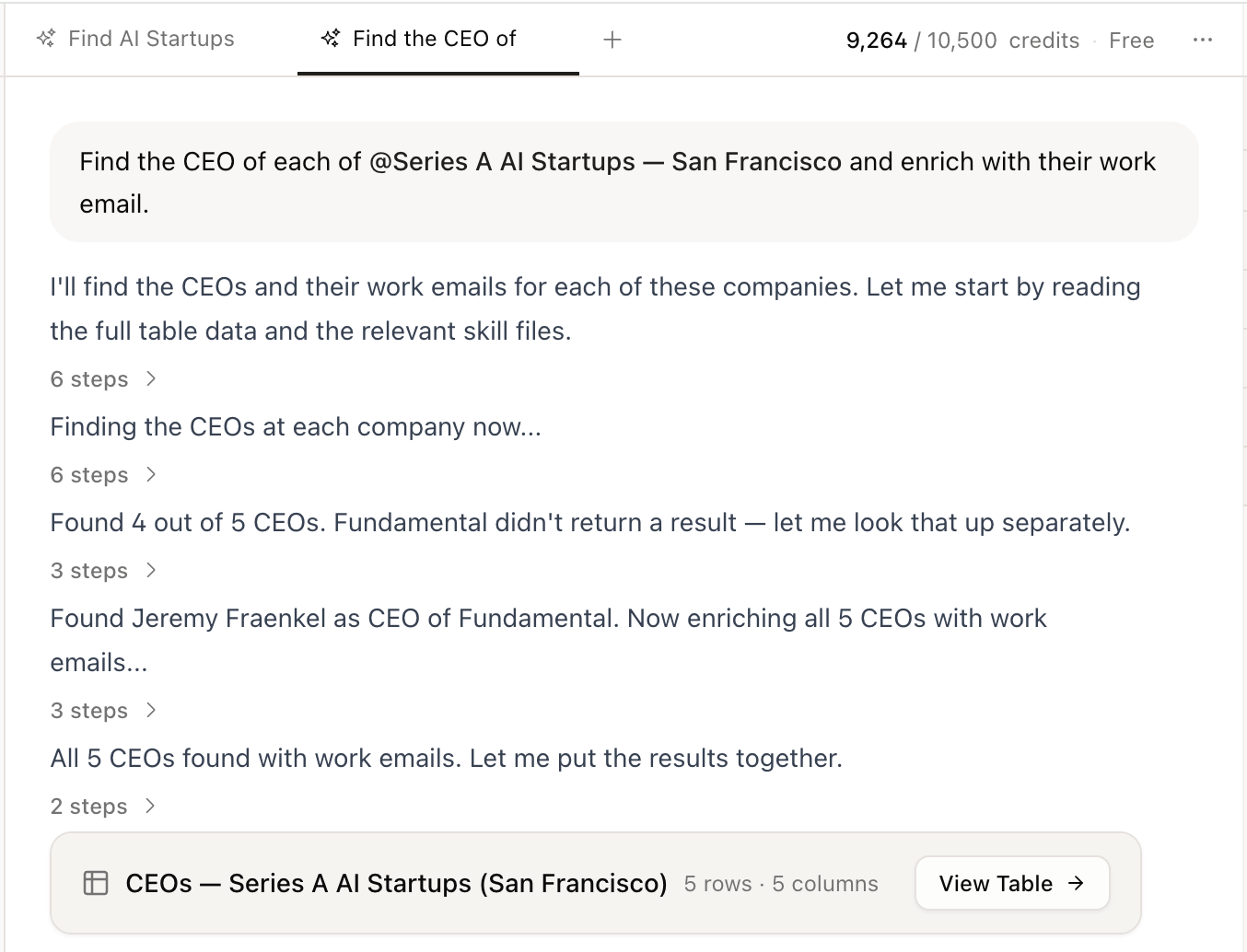
What happens
1
AlinX finds companies
AlinX searches for companies matching your criteria: industry, size, location, funding stage, and more.
2
AlinX finds decision makers
It identifies the right people at each company based on the titles and seniority you asked for.
3
AlinX gets contact info
It enriches each person with verified emails and phone numbers using multiple data sources.
Push to your CRM
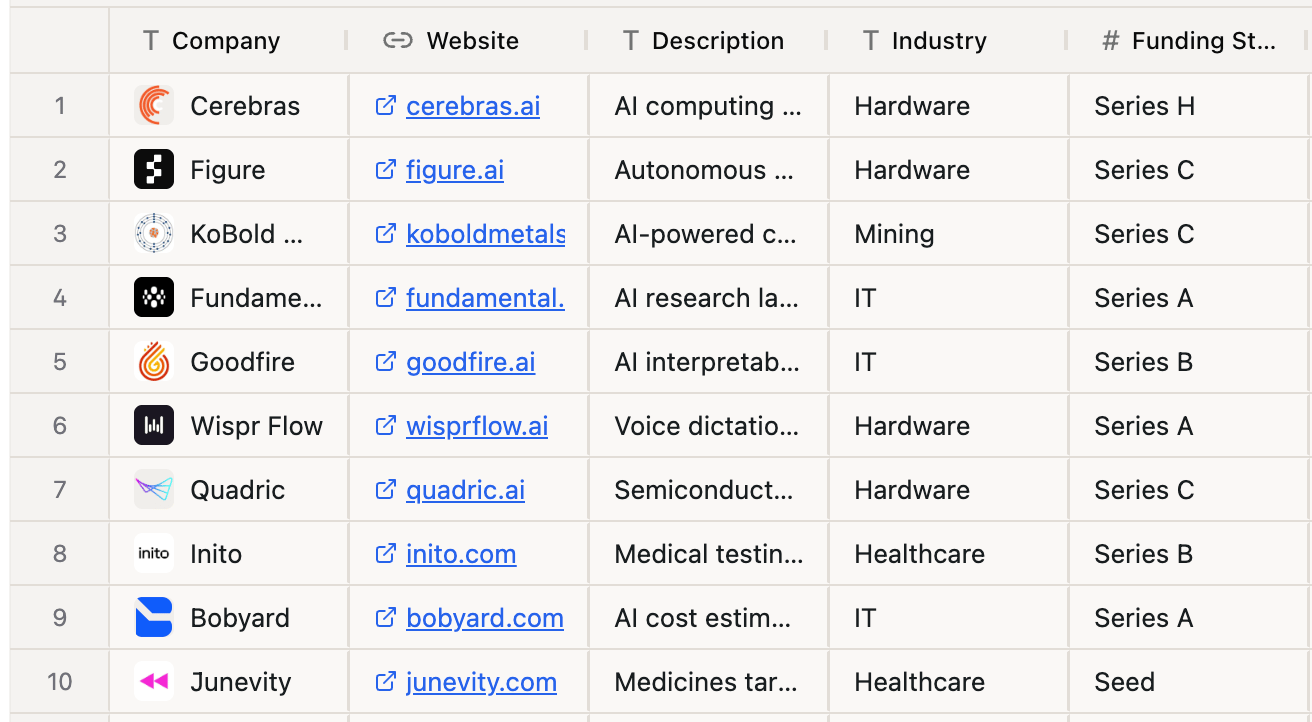
If you’ve connected a CRM, just ask:Push these leads to HubSpot.AlinX creates contacts in your CRM automatically. See Integrations to connect your apps.